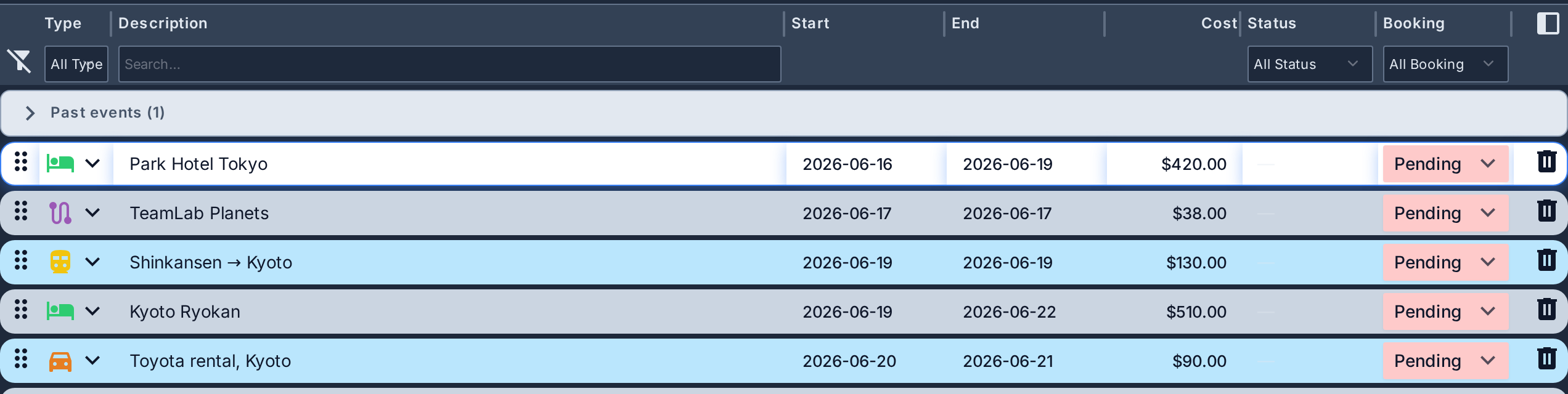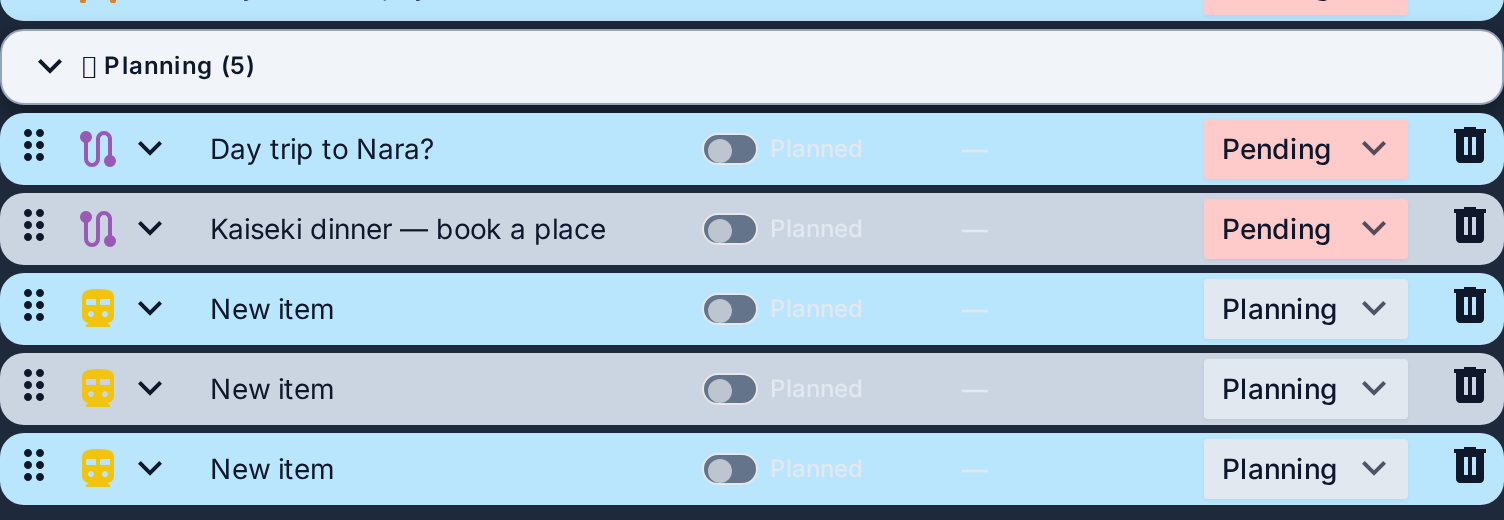
| Type | Description | Start | End | Cost | Status | Booking |
|---|
Build a day-by-day itinerary, track live flight status, and keep it all with you offline on the web and Android.
check_circleFree to start · No card required
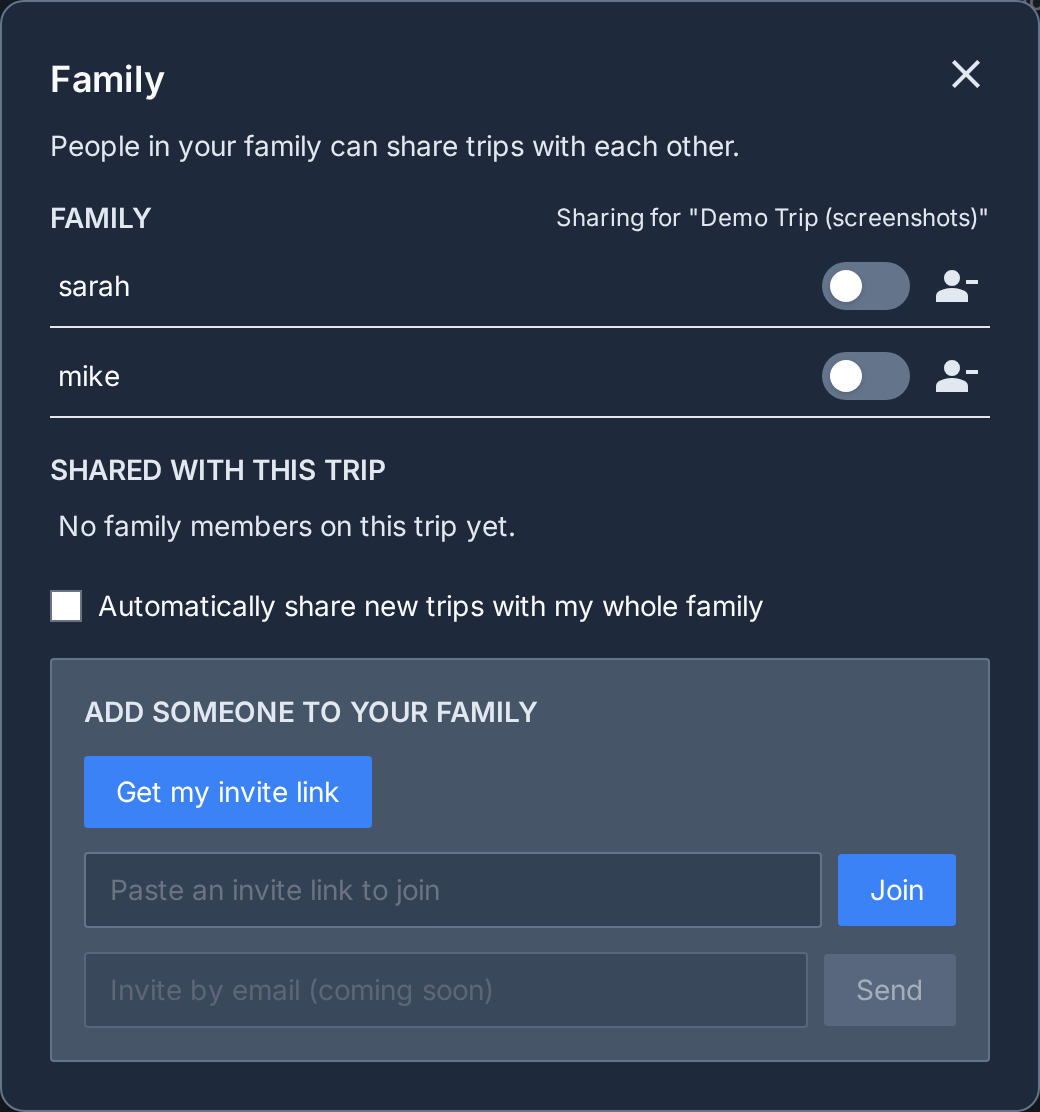
People in your family can share trips with each other.
Share this link, or have them scan the code. It works once and then expires.
Tick what you want, then add them to your list.
No email on this account yet. Add one so you can sign in with it and reset a forgotten password.
Plan-this-day shortcuts on the timeline, empty-day nudges, and Planning-bucket grouping by area. Plan my days itself always stays available.
Occasional emails about new features and the odd short survey. Turning this off never affects account emails like password resets or security notices.
Forward any flight, hotel, or tour confirmation email to this address. We'll turn it into draft items you can review and add to a trip — nothing is added automatically.
Paste a link to any website — a restaurant, a tour, a museum, a place you spotted — and it becomes a 💡 Planning idea for this trip, with the name and location picked out for you.
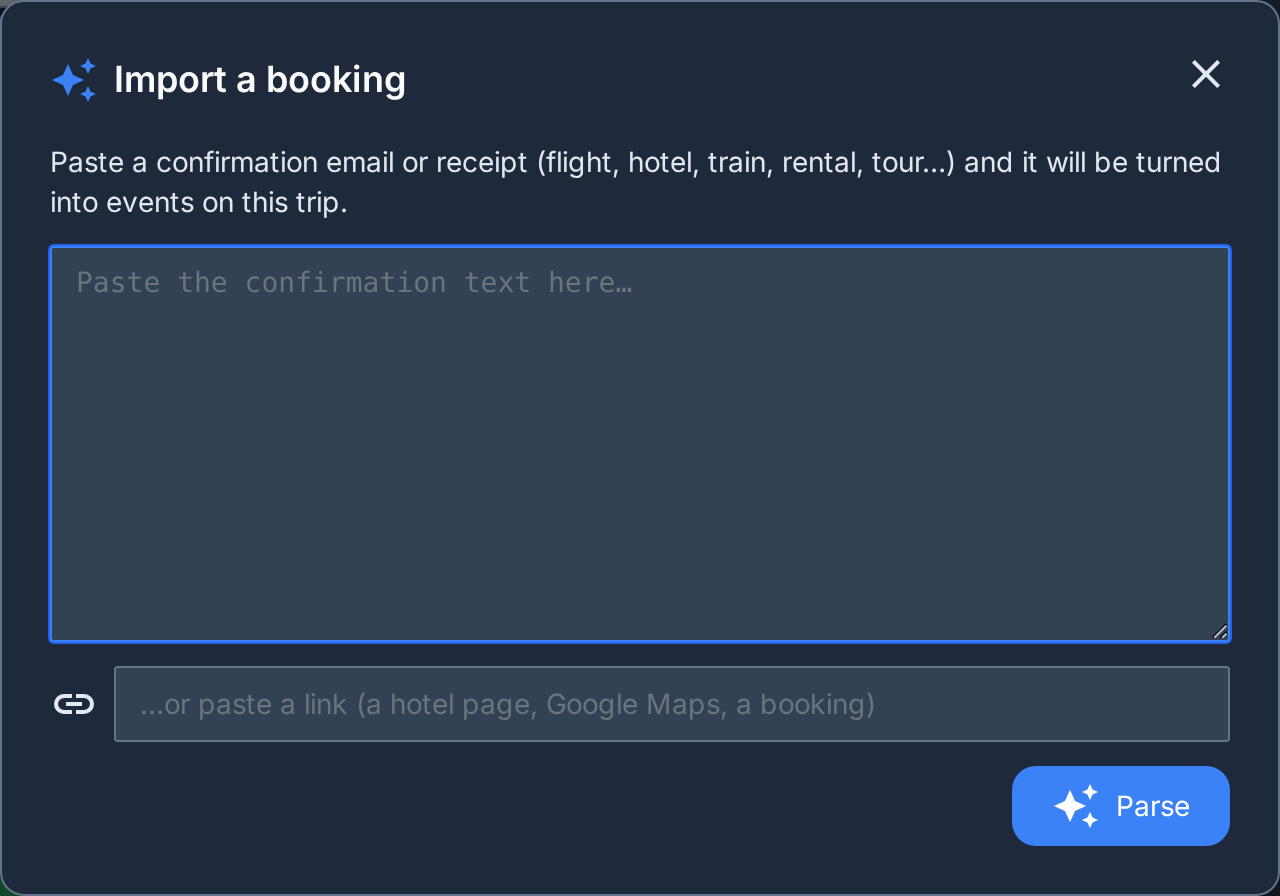
…or paste a confirmation email or receipt (flight, hotel, train, rental, tour…) to turn it into events on this trip:
What you import is sent to Google's Gemini API to pick out the details. It isn't used to train any model. Learn more.
Untick anything you don't want, tweak the details, then add to the trip. 💡 Ideas land in Planning, ready for Plan my days — tap the pill on an idea to schedule it on the timeline instead.
Your booked events set the skeleton — flights, hotels, anything with a date. This arranges your 💡 Planning ideas around them into a few day-by-day plans shaped by where you're staying, the weather, and the kind of trip your ideas suggest. Nothing is added or booked: you review a plan and apply it, and the dates land on your own ideas.
Your trip's event list is sent to Google's Gemini API to arrange the plans. It isn't used to train any model. Learn more.
Emails you forwarded were turned into these draft events. Review each one, then add it to a trip — nothing is added automatically.
| Type | Description | Start | End | Cost | Status | Booking |
|---|